Video is an integral part of any content creation strategy and leveraging AI video tools and software can help you produce it even faster.
From pre-production to distribution on social media, AI can help video editors tighten their video content workflows and increase their output. Creating video on any platform is more accessible than ever, and if you want to build your organic reach, using AI should be an important part of your production workflow. From idea generation to speeding up video edits, AI has all sorts of ways it can help you save time.
In this post, we’ll show you 20 AI video tools on the market, their features, and how you can best leverage each tool for your next project or marketing campaign.
20 Best AI video tools
1. ElevenLabs – Generative Voice AI
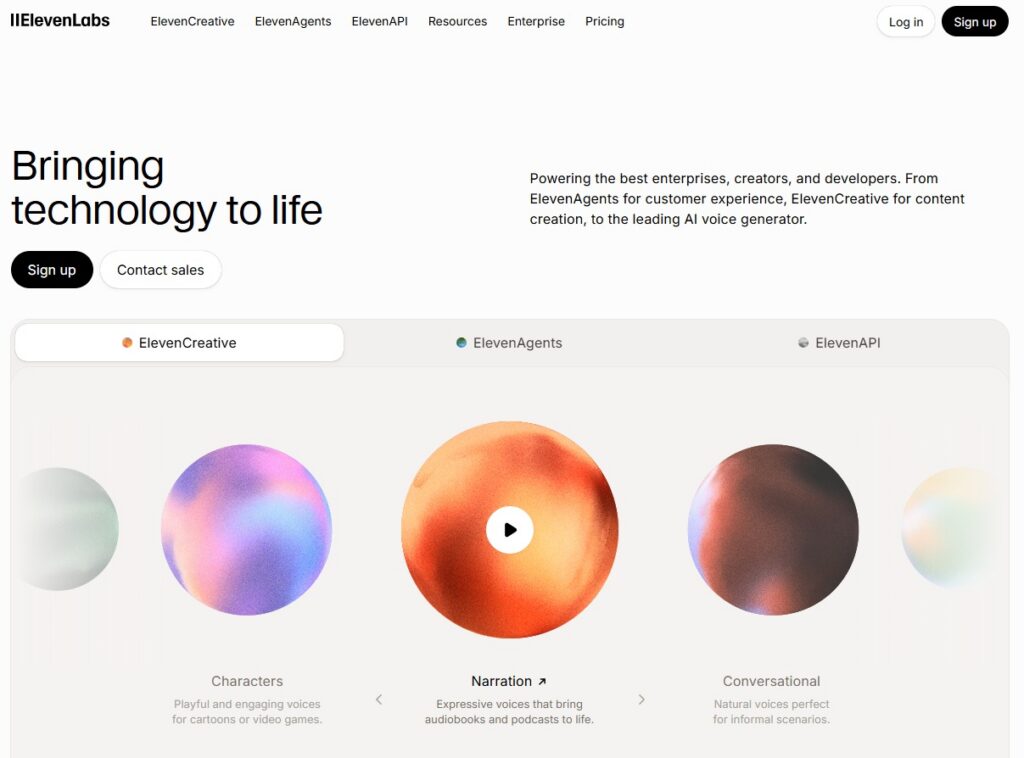
Best for: Generating realistic speech with an AI model for videos.
Main features: Utilizes text-to-speech technology that combines advanced AI and emotive capabilities in over 20 languages.
ElevenLabs’ generative voice AI can be a powerful AI video tool to leverage in your video or audio productions. With over 70+ languages to choose from, you can double the reach of your videos with multilingual audio support available in short and long-form. You can also clone your voice to dub into any of the languages available on-platform.
In our webinar, “AI in video creation: what works and what doesn’t“, filmmaker Kirby Ferguson called ElevenLabs the “sleeper” of the current lineup of AI video tools. “What [ElevenLabs is] helpful for is if you have to make 30 instructional videos and you don’t have a lot of budget. Nobody’s going to be looking at these videos thinking, like, am I really engaged and connected with this video? They just want the information. It’s a simple project. For that sort of work, instructional videos, that potentially can be very time consuming, I think voice synthesis could be really helpful for that,” he explains.
AI Voiceover from Storyblocks
If you’re looking for a way to speed up your video editing process, the AI Voiceover tool from Storyblocks is a perfect fit. Powered by ElevenLabs technology, you can use text-to-voice, voice changer, or clone my voice to quickly create narrations for your videos.
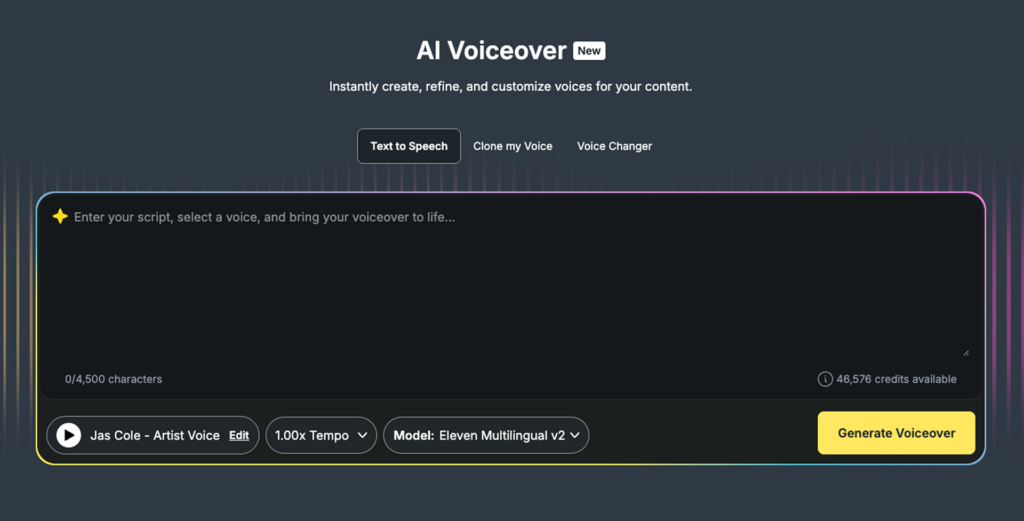
Plus, you have the same great features as the core ElevenLabs product, including support for over 70 different languages and audio tags that let you control the speed, tone, and other aspects of your voiceover to personalize it.
Voice cloning tools can also be really helpful, says Kirby. “What it’s useful for is if you missed a line. There’s something you realized in post, like oh no I should have said this, you can add that in. Or sometimes you’ll say the wrong word, and you can potentially add that in. I think that sort of maintenance and editing is what it’s really going to be useful for.”
Whether you’re looking to speed up post-production or need to quickly fix your audio in post, AI Voiceover is simple to use. It also has tons of different voices to choose from, including exclusive Artist Voices, made in partnership with artists from our library for authenticity, and a wide variety of core voices.
2. Wisecut
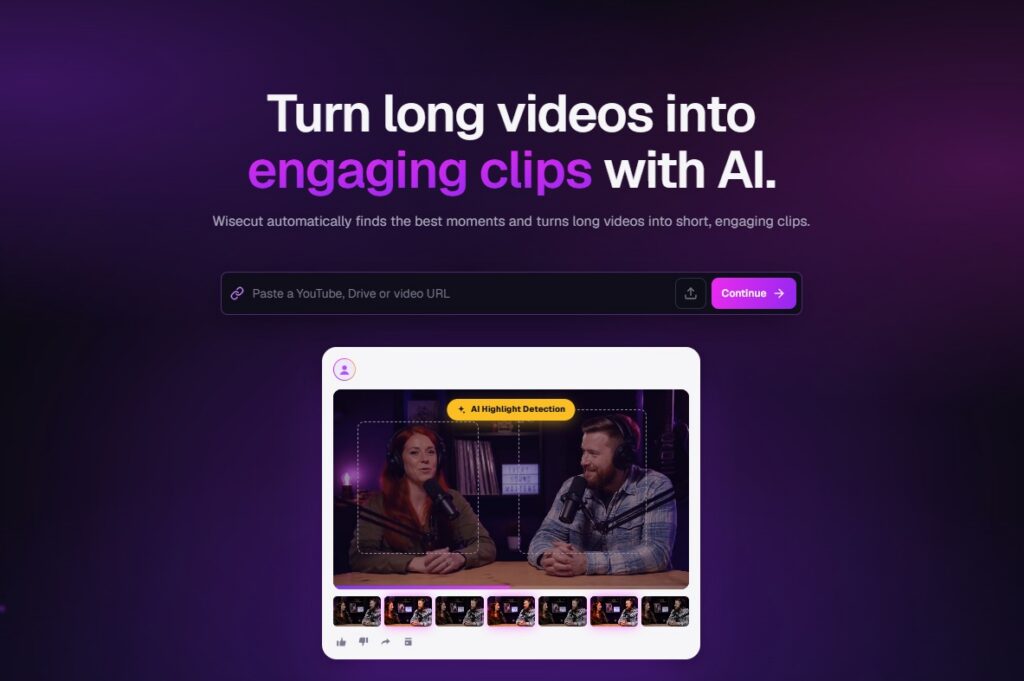
Best for: Creating short-form videos out of long-form clips with AI-powered editing and in-platform video editing features.
Main features: Various AI capabilities like audio ducking, custom-made music selections, and auto-subtitling.
With Wisecut, you can easily repurpose your long-form videos into short videos for any social media platform.
Some of the editor’s built-in features include embedding music, auto-subtitling and translations, and auto-reframing. The editor also has a unique “auto-music” feature which allows you to match music to your voice on the video.
3. DescriptAI
Best for: Editing via video or audio transcriptions. Can be used to easily edit your videos or audio podcasts.
Main features: AI-powered editor for creating transcriptions, text-based editing, voice cloning (overdub), sentiment and phrasing analysis, keyword extraction.
Descript is an AI-powered editor that transcribes your audio and video recordings. It uses AI to remove background noise and improve audio quality from your footage. Descript can also detect filler words like “um” and “uh” to easily cut from your project. It can also insert AI voices — replacing misspoken words with a synthesized version of your own voice with the platform’s ‘Overdub’ feature.
4. AI Video Editing from Storyblocks
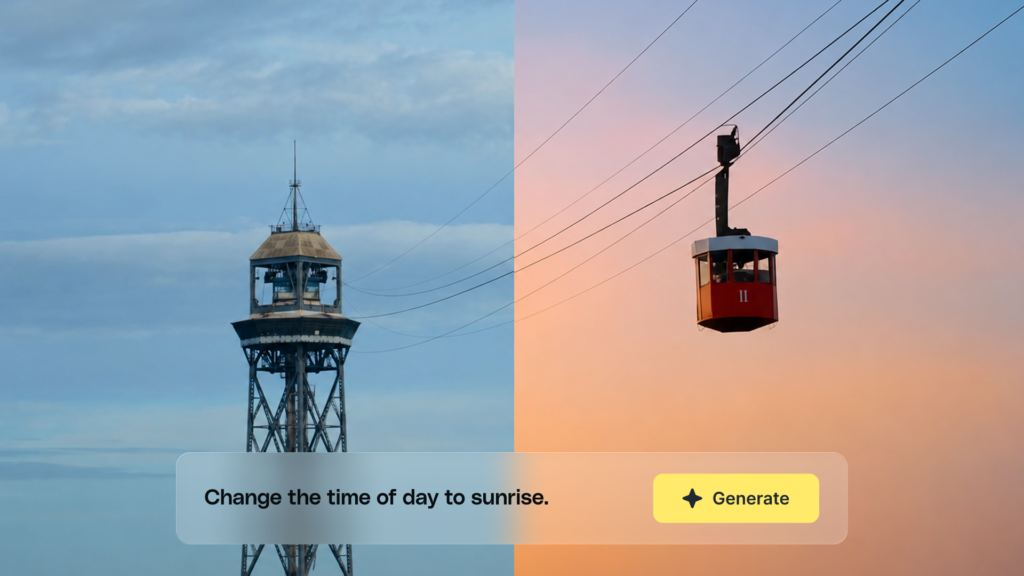
Best for: Simple changes to existing footage to help you save on the time you have to spend editing.
Main features: Quickly remove or change backgrounds, manipulate objects, lighting, and more.
Powered by Runway’s Aleph, AI Video Editing gives you the ability to quickly change any footage clip in our library through typing in a prompt. Now, instead of downloading a footage clip and having to make edits yourself, you have full creative control right inside the Storyblocks platform as a part of our AI Toolkit.
With AI Video Editing, you can do everything from changing out a background to recoloring or removing objects, customizing lighting, and more.
5. Adobe Premiere Pro – Scene Edit Deletion
Best for: AI-powered plug-in that will cut points and scene changes from your original video.
Main features: Speeding up the process of color grading, adding effects, reframing, and editing live multi-camera recordings.
Adobe Scene Edit Detection is a tool that uses AI and machine learning technology to automatically identify and mark the cuts or edits between different scenes in a video clip. This allows you to speed up the process of color grading, adding effects, reframing, and even editing live multi-camera recordings. It also works well if you’re looking to enhance color or add something to an older video that’s already been exported and you no longer have access to the original Premiere project.
Best for: Automating repetitive editing tasks like removing silence, adding captions, trimming silences, and more.
Main features: Simplify your editing workflow with automation, from captions, cutting silences, multicam podcast edits, zoom effects, adding b-roll, cutting repeat takes, filtering profanity, and resizing.
A much-loved plugin for both Premiere Pro and DaVinci Resolve, Autocut is a time-saver for high-volume creators and editors. It’s a perfect addition to any editing workflow, as it takes care of lots of different repetitive tasks for you in one go. Choose from the basic plan, which just has the original Autocut Silences, or the AI plan that has all of their other Auto features.
7. AI Video Generator from Storyblocks
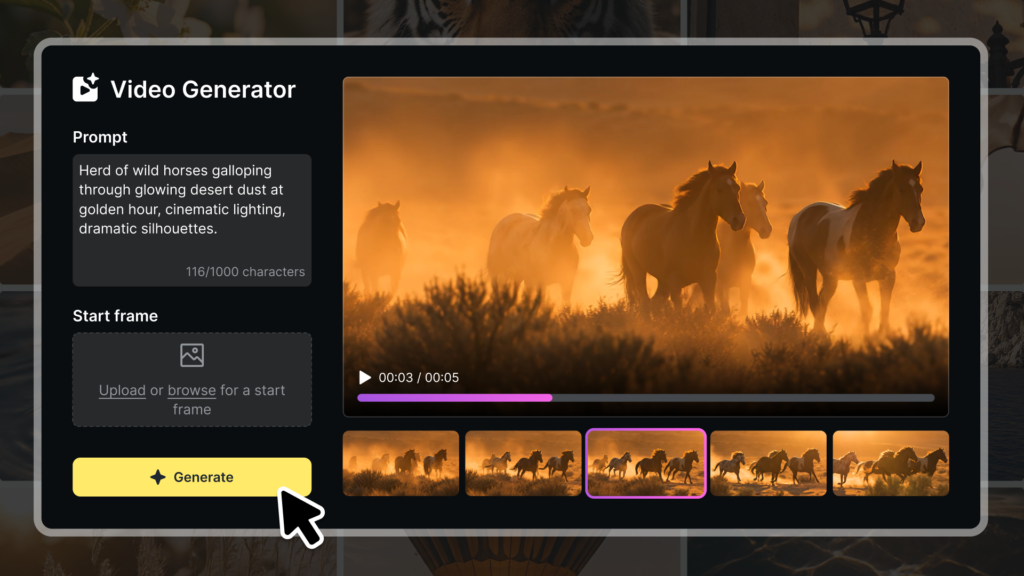
Best for: Creating personalized clips for pre-production (storyboarding, placeholders), niche scene, filling gaps that stock can’t cover.
Main features: Allows you to create a custom video clip by using a text prompt, with the option to start with an image as the first frame.
Included in Storyblocks’ AI Toolkit, Video Generator gives you full creative control to bring scenes to life. Just describe the video you want to create, upload or browse our library for an image to use as the starting frame (optional), select your settings, then hit generate to bring your idea to life using Google’s Veo 3.1 Fast model.
8. Capcut
Best for: On-the-fly video editing that utilizes AI for video editing, improving video cuts & image quality.
Main features: 360 AI functions that allow you to create and enhance videos with features such as script creation, image enhancement, background remover, and video stabilization.
CapCut is a mobile app for iOS and Android devices, specifically developed to complement the basic video editing features of TikTok. The platform’s AI simplifies the process of video creation for users of all skill levels with its own video editing suite using AI. For example, you can stabilize any of your videos using the platform’s AI. The video editor also offers image audio, text, and images that you can incorporate into your videos during the editing process.
9. Synthesia
Best for: Turning your blog post or article into an engaging video in over 160 languages, accents, and voice tones.
Main features: Generate videos from existing content using custom AI avatars with 160+ languages, accents, and voice tones.
Synthesia is an AI video creation platform that can generate videos in over a hundred different languages, accents, and voice tones. The platform is beginner-friendly and also offers a free demo.
10. ChatGPT / Claude
Best for: Brainstorming scripts, storyboards, and production troubleshooting.
Main features: AI chatbot that can help streamline content creation with scriptwriting, storyboarding, voiceover scripting, amongst many other features.
For busy creators, using an AI chatbot like ChatGPT or Claude can help you streamline the areas of production that tend to slow you down. From scripting to research, using this kind of tool is invaluable at any stage in your content production.
For example, you can create a production calendar by telling it your usual production timeline steps or tasks and it will create a 15-week plan for you to easily reference; or if you’re scripting a new skit, you can simply type in, “What are some good skit ideas?”, and it will respond with ideas instantly. Using this tool can easily accelerate any roadblocks you might hit or quickly answer any questions you might have regarding video.
To use any LLM effectively, you need to learn how to create an effective prompt. Filmmaker Kirby Ferguson has a three-step formula he uses. “You give it context, you give it a task, and then you chat to revise and evolve the results,” he explains. “Context meaning some background on what it is you’re trying to do. Then you finish that off with a specific task. Like, write me three paragraphs in a journalistic style about whatever, the thing you just described. Then after you get that result, you chat with it to revise and improve those results.”
To get even better results, giving your chatbot examples of what you’re looking for can help a ton. So if you have something that’s similar to what you’re looking for, providing that with your prompt can help speed up the process of getting the final result you’re looking for. “Let’s say I’m looking for a quote about inspiration. I’d say, “Abert Einstein said this, give me three additional quotes about inspiration,” or whatever. Examples help to point it in a particular direction,” says Kirby.
11. VEED.IO
Best for: Quick transcriptions, automated editing suggestions, creating highlight reels on long-form videos.
Main features: AI assisted editing with various features like auto subtitles, clean audio, AI text to video, AI avatars, text-to-speech video background remover, and AI image generator.
Veed.io is an AI video tool that you can use to edit your videos. With it, you can easily transcribe and caption your videos using their AI-powered speech recognition. Creating additional cuts in your video is simple with Veed.io, since it can detect breakpoints in your video and automatically enhance areas in your video where the audio dips.
12. Adobe Podcast – Audio Cleaning
Best for: Cleaning up your audio for clearer voiceovers or podcasts.
Main features: Cloud-based service that uses AI to analyze your podcast audio, capture professional-grade recording, and generate transcripts, captions, keywords, summaries, and more.
Adobe Podcast is a powerful tool to leverage as an AI audio tool to tell your story. This software has a suite of features that make your recordings sound like they were taken in a high-end studio. Its features include the following options: enhance speech, noise reduction, audio enhancement features, and real-time transcription.
13. Lumen5
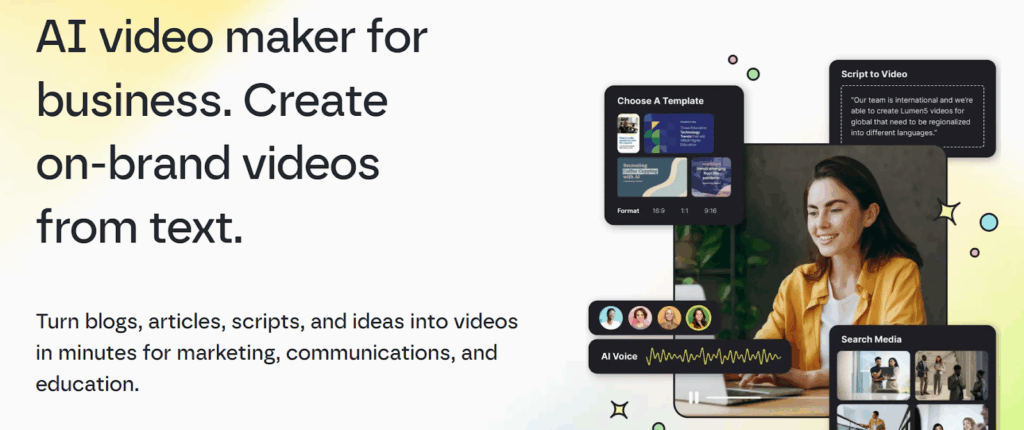
Best for: Generating videos from text using AI.
Main features: Turns blogs, PDFs, scripts, articles, and more into videos quickly for businesses.
If you’re a business looking to create more video but your in-house team is at capacity, Lumen5’s AI video maker is a powerful solution to turn content into video quickly. Their library of stock assets makes putting together on-brand video easy, especially since they utilize the Storyblocks API to give their users access to premium, licensed content.
14. Auphonic
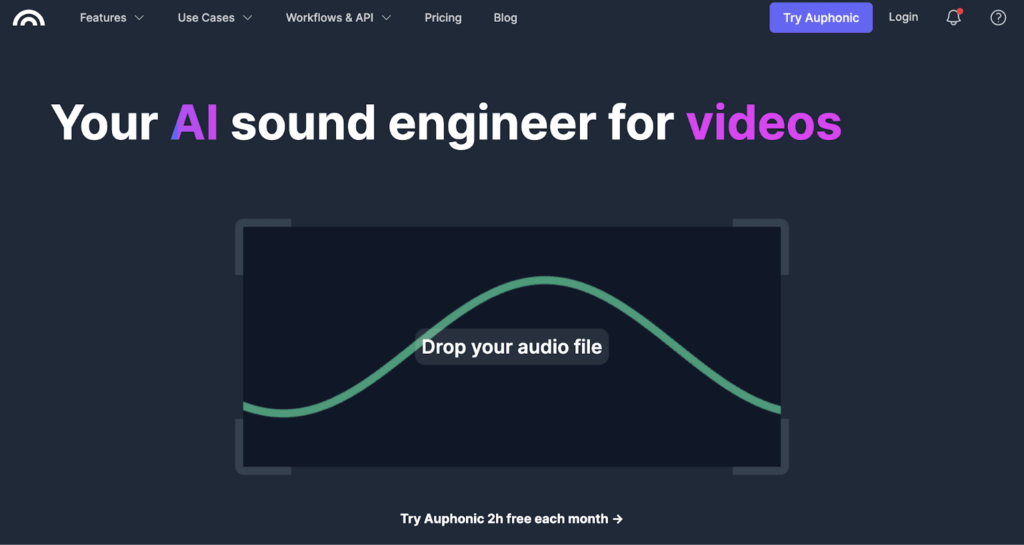
Best for: All-in-one audio editing and post production tool to smooth out any type of audio on-the-fly.
Main features: Utilizes intelligent audio algorithms to turn your audio into better quality more easily – or as they define it, audio autopilot.
Auphonic is one of the more powerful AI video tools to leverage in your audio productions. With a simple drag-and-drop feature, you can master your audio files with a shorter turnaround. The software utilizes intelligent AI algorithms to cover important steps in mastering your audio – like overall loudness, filtering, and AutoEQ. With 2 hours of audio free per month, you can put this software to the test without any additional fees.
15. PhraseFind (Avid)
Best for: AI-powered dialog software that allows your search through all your footage by typing a word or phrase.
Main features: PhraseFind analyzes your clips and indexes all audible dialogue so that you can find the appropriate clip to use for your production.
PhraseFind is a great AI video tool to leverage before heading into post-production. You no longer have to worry about going into each video clip to find the appropriate cut. With it, you can easily index all your clips and locate relevant clips based on your dialogue or search criteria in seconds. This software also identifies 20+ languages so you can scan through video clips more easily. These features make your transition into post production seamless so that you can speed up your workflow.
16. AI Image Generator from Storyblocks
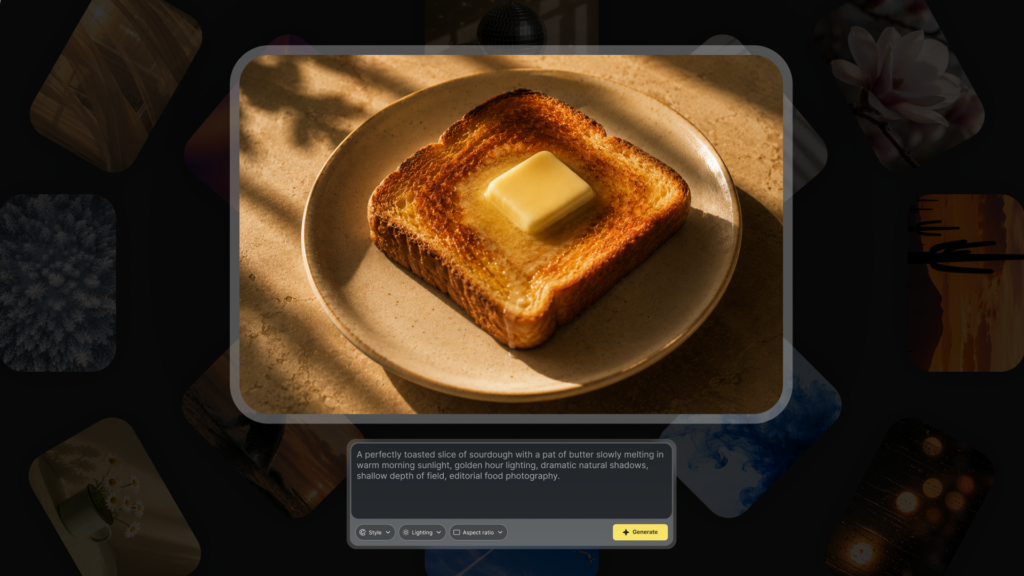
Best for: Generating high-quality AI images based on text prompts.
Main features: Text-to-image tool.
AI Image Generator lets you create completely custom, personalized visuals using a text prompt through Runway’s Gen-4 Image model. Just describe what you want (for this model, there’s no worry about including too much detail), upload up to 3 reference images to help guide the direction, select your settings, and hit generate to bring it to life.
17. Pictory

Best for: Converting short-form video using AI technology from long-form videos, scripts, articles, or blog posts.
Main features: Allows creators to create and personalize short-form videos based on long-form clips with additional capabilities like adding custom logos, colors, and other video elements on-platform.
Pictory has powerful AI video tools to create engaging short-form content across platforms. With Pictory, you can create short-form videos from any source imaginable – from scripts to long-form videos. Pictory also runs in the cloud so you’re able to edit in-browser without needing to install any additional software. That means you can have super-fast video generation with AI-powered video for quicker turnarounds on your content.
18. iZotope RX11
Best for: Audio repair that helps restore, clean up, and improve recordings in post-production, music, and content creation.
Main features: Master audio for recording, mixing, broadcast, sound design, and more.
With intelligent audio technology powered by AI, iZotope RX11 software is easily one of the best AI video tools to use to master audio in your video productions. iZotope allows you to mix and master for audio including audio recording, mixing, broadcast, sound design, and mastering. RX11 is bundled in three different packages: elements, standard, and advanced so you can personalize your software based on your needs. Whether you’re a producer or audio post engineer, you’ll be able to master your audio more easily with this AI tool.
19. VocalRemover
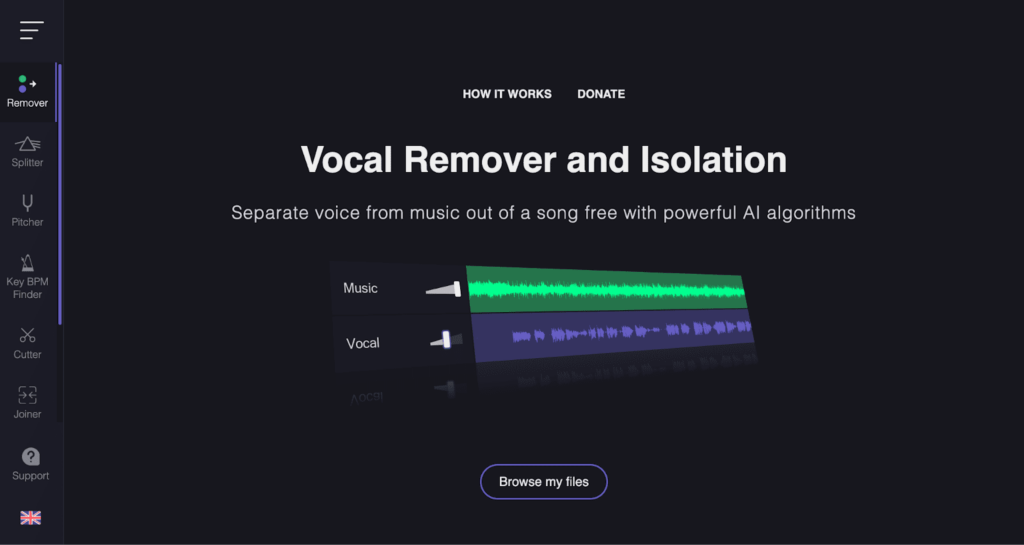
Best for: Instantly isolating vocals or instrumentals to use for your videos.
Main features: Free online application that separates vocals from the instrumental in your audio track to create an acapella version and an instrumental version.
If you want to include your own original track, you can use VocalRemover to isolate the vocals and have two versions: an acapella version (with vocals only) and the instrumental. The software is free and comes with its own audio editing features on-browser so you can create on the fly.
20. BrandCrowd
Best for: Freelancers, start-ups, entrepreneurs, to SMBs looking to kickstart a visual identity from branding, social graphics, or creative for video.
Main features: Online logo generator that provides customizable logo templates, matching business cards, letterheads, social media banners, branded merchandise, and more instantly.
If you’re looking to produce creative with a quick turnaround, turn to BrandCrowd. This tool allows you to create logos and other creative assets tailored to your business’ needs. It’s important to note that a standard license grants you non-exclusive rights to use your logo or visuals for commercial purposes. However, the brand retains rights to your design (unless you buy them from the company).
How to best use AI for creating video
As of now, AI isn’t at the point where it’s completely replacing humans with video creation. But if you’re an editor or creator looking to speed up the production process, these tools are a huge help. As Storyblocks’ Video Production Manager Kyle Miller puts it, “AI is great for speeding things up. It can help you edit faster or brainstorm when you’re stuck. In my mind, the best use of AI is as an assistant.”
Here at Storyblocks, that’s the way we think of AI too. We believe AI is a great way to help creatives speed up their workflows and create more efficiently. But at the same time, many generative AI models don’t properly attribute the artists whose work they were trained on. With the Video Editing and Video Generator in our AI Toolkit, any time you alter or use an asset from the Storyblocks library for your generator, the original creator is compensated.
But even though we offer an AI Toolkit, you won’t find any AI-generated content in the Storyblocks library – every asset is 100% human-made. You can learn more about our stance in our AI Transparency Statement.
“The real strength of [AI video tools] is the grunt work. I don’t like AI, generally speaking, for marquee things. Marquee meaning the big thing that you really wanna connect with people, that you really want to get people’s attention with. I think it’s just too generic and unengaging. It’s lacking that human spark,” Kirby explains. “I like text generators and AI a lot for pre-production type stuff, like building schedules. It’s really good for brainstorming, exploring different possibilities and refining an idea.”
After all, using AI to take care of the more tedious, time-consuming tasks gives you back time to do what you really love – the creative work. Over time, these tools will just become part of your workflow. “These sorts of tools are just gonna get integrated into your workflow and you’re not even gonna think of it as AI. It’s just something that’s gotten easier in your video editor,” says Kirby.
Take your production process to the next level with AI video tools
AI could be the next important member of your video team. The AI video software and tools on this list will save you time, streamline your video production process, and increase the production value of your videos. Instead of fearing AI, take advantage of what it has to offer and boost the quality and efficiency of your work to help you stand out from the competition.
A subscription to Storyblocks unlocks everything you need to create amazing video fast with unlimited downloads of 100% human-made stock content and our time-saving AI Toolkit. We believe that real, authentic stories should start with human art – which is why every asset in our library is made by a real working artist, and every download directly helps support their work. Our AI Toolkit is built to help support your unique creative workflow and simplify your tech stack, so you have all the tools you need to create alongside an unlimited stock library.