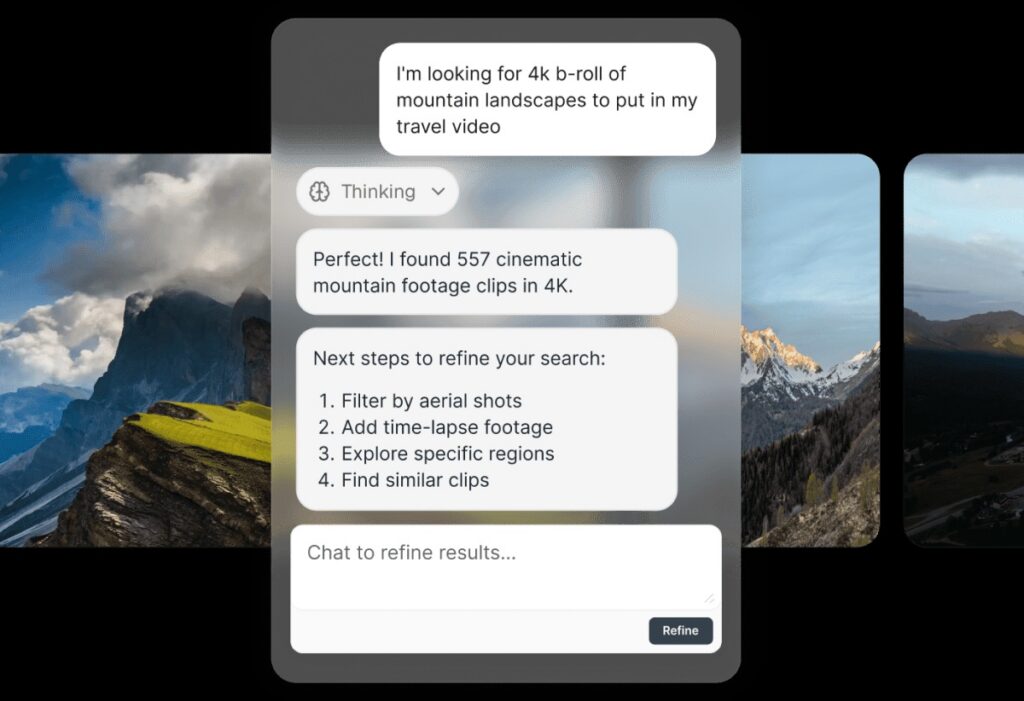
Our goal at Storyblocks has always been to help creators make better videos, faster than ever. That’s why we’re excited to share our AI Toolkit – built right into the Storyblocks platform alongside our 100% human-made library. These AI-powered tools give you the option to apply more creative control to your work, so you can spend more time bringing your vision to life.
We don’t see generative AI as a replacement for the creative process, but as a way to help support your unique workflow by making more with what you have, filling gaps, and moving faster. So instead of juggling multiple subscriptions, you can get unlimited royalty-free, human-made stock assets and time-saving AI tools in one place. Keep reading to learn more about the AI Toolkit and each of the tools inside it.
What’s inside the AI Toolkit
Our AI Toolkit has four powerful tools that you can use to speed up your video creation process – Voiceover, Video Editing, Video Generation, and Image Generation. You can find all of these tools inside the AI Toolkit hub on Storyblocks, making it easy to use alongside our 100% human-made stock library and build your own personalized workflow.
Create faster with AI Voiceover
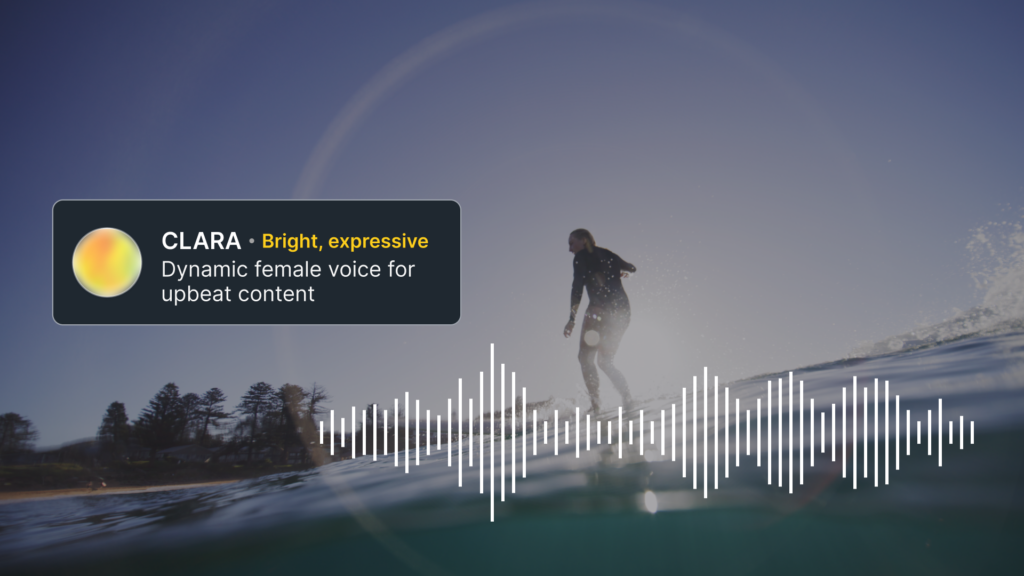
With AI Voiceover, you can generate, refine, and customize narration instantly. Powered by ElevenLabs technology, you can choose from a wide range of voices, including exclusive Artist Voices or authentic Core Voices. Bring your script to life with Text to Speech, copy your own voice to make fixes in post with Clone my Voice, or transform an existing voiceover with Voice Changer.
Filter by accent, gender, use case, or tone to find the perfect voice for any project, with support for 25+ different languages. When you’re starting from a script or text, you can personalize the delivery with audio tags like [whisper], [pause], and more to make sure it sounds exactly how you want. With AI Voiceover, you can lower costs, keep a consistent tone across campaigns, and speed up production with this all-in-one tool.
Customize footage with AI Video Editing
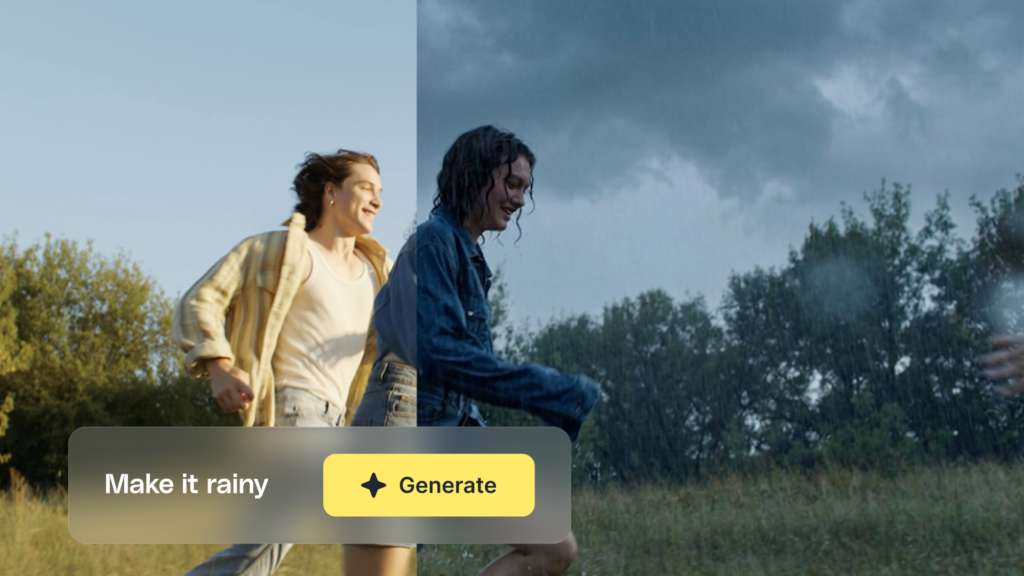
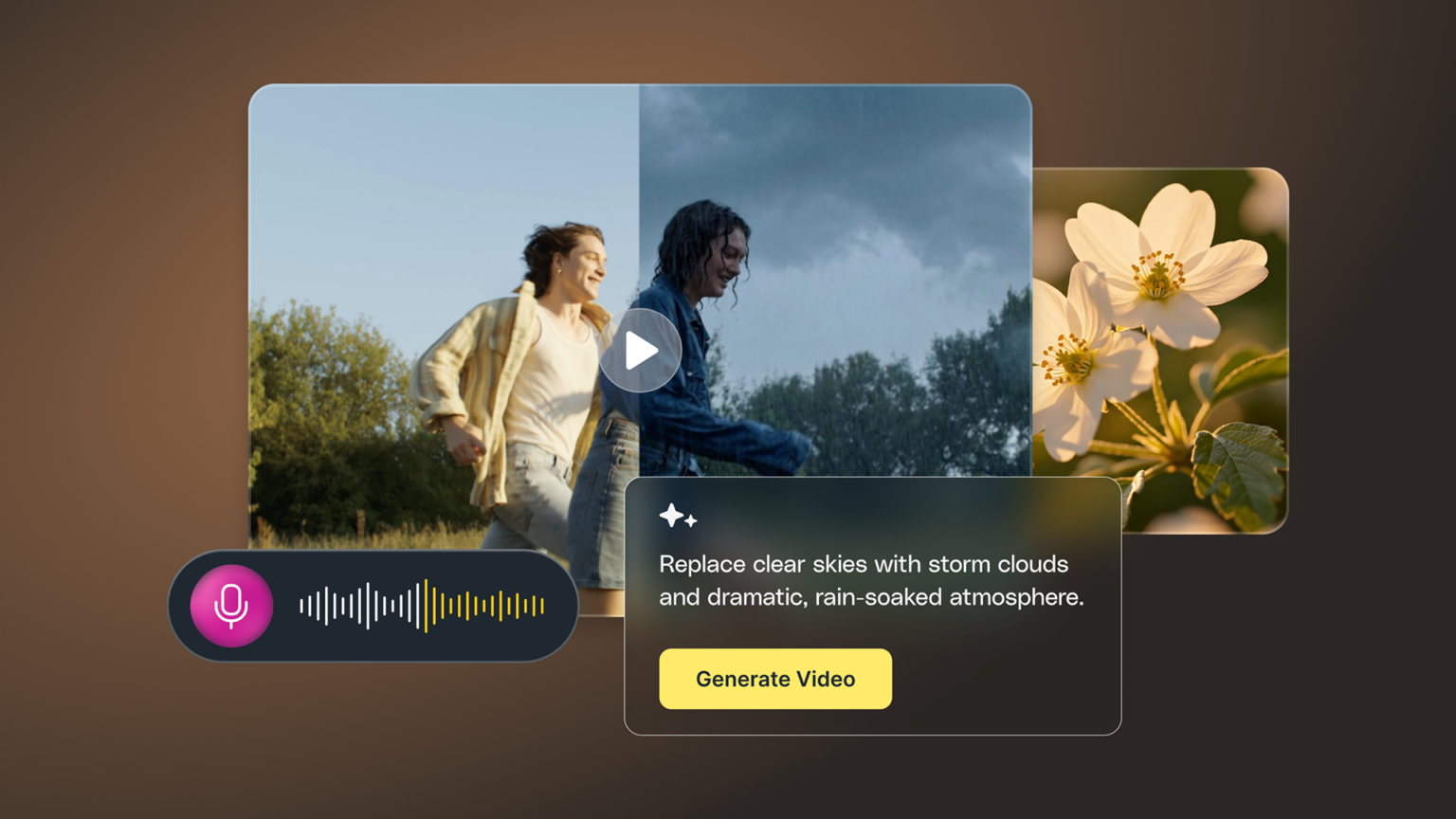
Powered by Runway’s Aleph, Storyblocks’ AI Video Editing tool gives you the power to instantly customize, modify, and restyle stock footage in our library. Hover over any footage clip, select the Edit with AI button, then use the prompt box to describe the changes you want to make.
From removing objects to changing backgrounds and much more, the possibilities are endless with AI Video Editing. You can make changes and adjustments without having to open your editor, saving you valuable time.
Every clip created with AI Video Editing is fully backed by the Storyblocks license, so you can create with confidence.
Make your own video with AI Video Generator
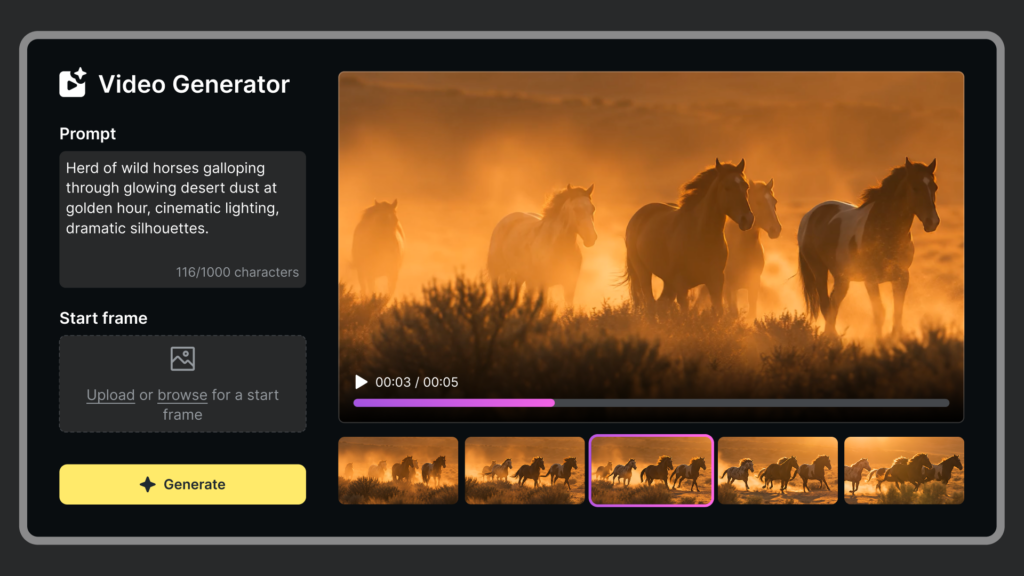
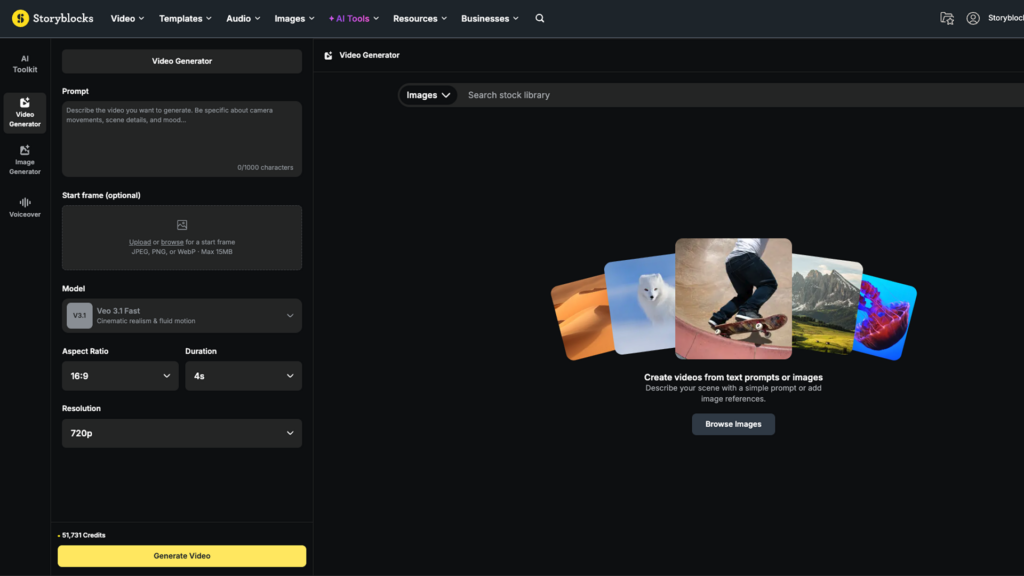
Whether you need a niche scene you can’t find inside our library or have a clip that’s close, but not quite what you need, our Video Generator tool can bring your ideas to life. You can either use the text prompt on its own to describe the video you need, or add an image (either your own or one from the Storyblocks library) to use as the starting frame, then describe what to include in the video with the text prompt.
Generated video clips can be up to 8 seconds long, in either a 16:9 or 9:16 aspect ratio. For any video generated using an image reference from the Storyblocks library, the original artist is compensated.
Any output from AI Video Generator that’s created using a text prompt or uses an image from the Storyblocks library as the starting frame is commercially licensed under your Storyblocks license.
Use AI Image Generator to create custom visuals
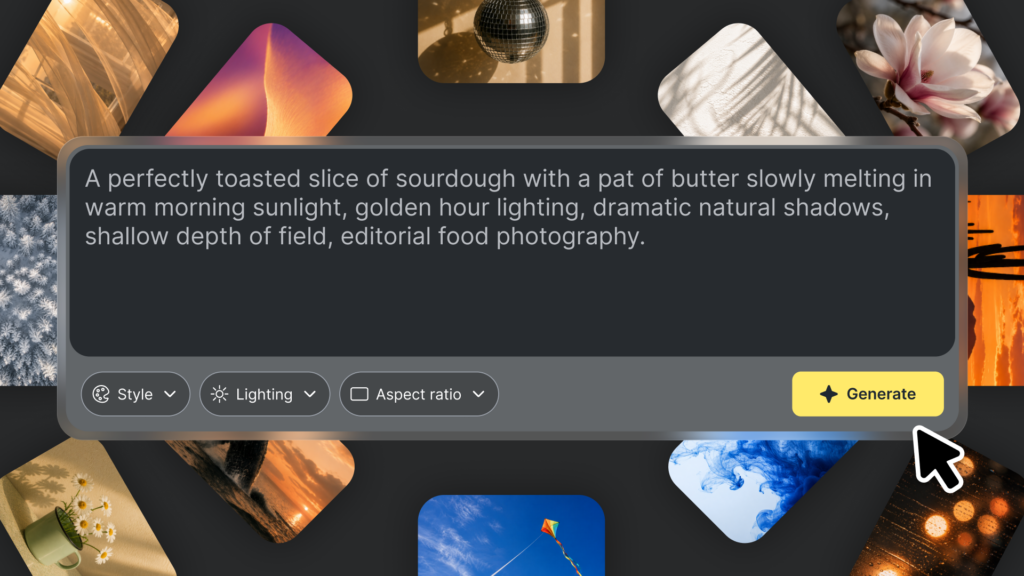
Bring your ideas to life and create your own personalized visuals with Image Generator. Use the text prompt to describe the subject, mood, style, and composition you want your image to have, then hit Generate to bring it to life.
Generated images are available in five different aspect ratios, up to a 1080p resolution. You can also upload up to 3 reference images to help guide your generated image’s style, palette, or vibe. From creating mockups for pitches to concept art and more, this tool is perfect for quickly turning your ideas into reality.
Learn more about our stance on AI
Here at Storyblocks, we believe artificial intelligence is a powerful tool for creators that can help remove technical barriers and improve efficiency for creative workflows. But authenticity is still essential for creative work, as is supporting artists – which is why our library only has 100% human-made content.
While we offer tools that use Generative AI to help you bring your ideas to life, we do not allow any AI-generated content into our library. Anything you create using those tools is only available to you or your team, and never added into the Storyblocks library.
You can learn more about where we use AI in our product and our stance in our AI transparency statement.